
The Independent Operator's Guide to Smart Building Technology
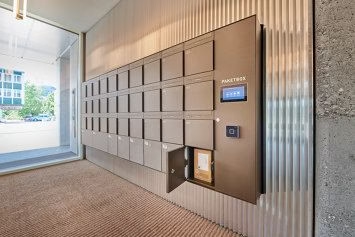
Here’s a scenario that plays out regularly in multifamily technology evaluations. An operator schedules a demo expecting to review smart locks for their units. The vendor runs through a polished presentation — credential management, mobile access, a clean resident app. It all looks right. Two weeks later, the quote arrives. There’s a line item for unit hardware. A separate line for building entry hardware. A third line for software licensing. And a note that installation scope needs to be scoped separately for each layer.
The operator wasn’t misled, exactly. They just didn’t know they were looking at two different product categories under one brand name. Smart locks and smart access control are related — they can be sold together, integrated together, and managed on a shared platform — but they solve fundamentally different problems, run on different hardware, and carry different cost structures. Operators who treat them as interchangeable get surprised by proposals. Operators who understand the distinction before vendor demos get sharper quotes, cleaner comparisons, and fewer scope conversations after contract review.
This is Post 2 of a three-part series on smart building infrastructure for independent multifamily operators. Post 1 covers access control for apartment buildings — the evaluation criteria, vendor landscape, and questions to ask before you sign. This post clears up the terminology so you can use that framework effectively. Post 3 covers package management as a resident retention lever.
Table of Contents
Smart Locks and Smart Access Control: What Each One Actually Does
The terms are often used interchangeably in vendor decks and industry conversations. They shouldn’t be. Each category has a distinct scope, distinct hardware, and distinct operational impact.
Smart Locks: Unit-Level Hardware
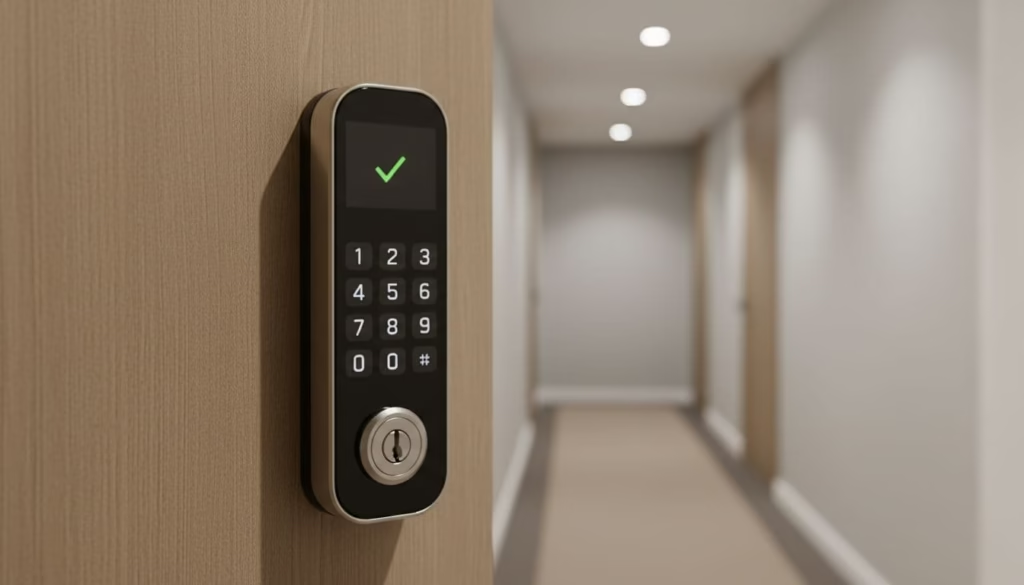
A smart lock lives on the apartment door. Its job is to control access to one specific unit — letting the right person in at the right time, whether that’s a resident, a maintenance tech, a leasing agent running a self-guided tour, or a vendor doing a turn.
In multifamily, this category typically includes brands like Yale, Schlage, August, and Kwikset. The hardware replaces or augments the traditional deadbolt with a credential-based lock — opened by a PIN, a mobile app, a key fob, or a smart card. The lock itself usually connects via Bluetooth, Z-Wave, or Zigbee, and it’s managed through a software platform that handles credential issuance, access schedules, and audit logs.
The scope here scales with your unit count. Fifty units means fifty locks. One hundred and fifty units means a hundred and fifty locks, plus installation, plus per-door licensing, plus credential management across every resident, staff member, and vendor who needs access. The per-door cost is modest; the aggregate cost isn’t.
Smart Access Control: Property-Level Infrastructure
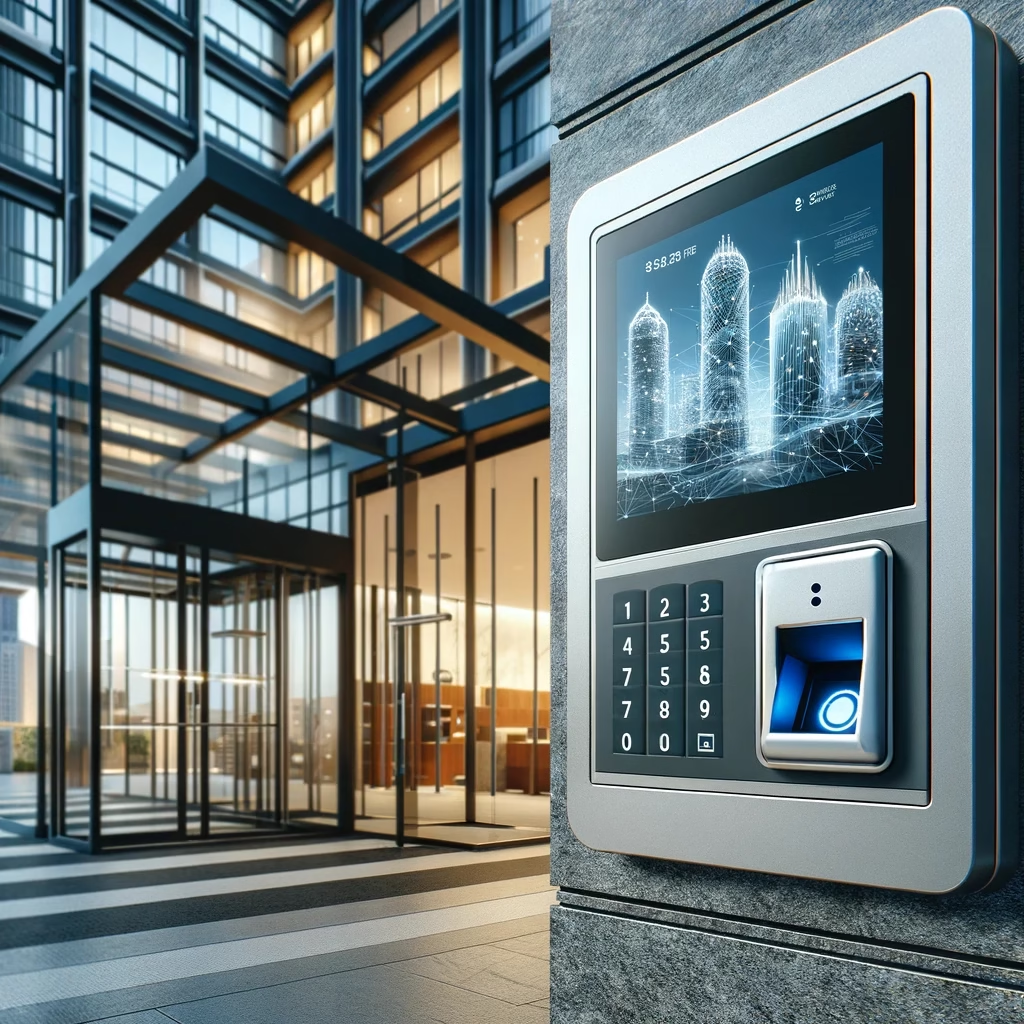
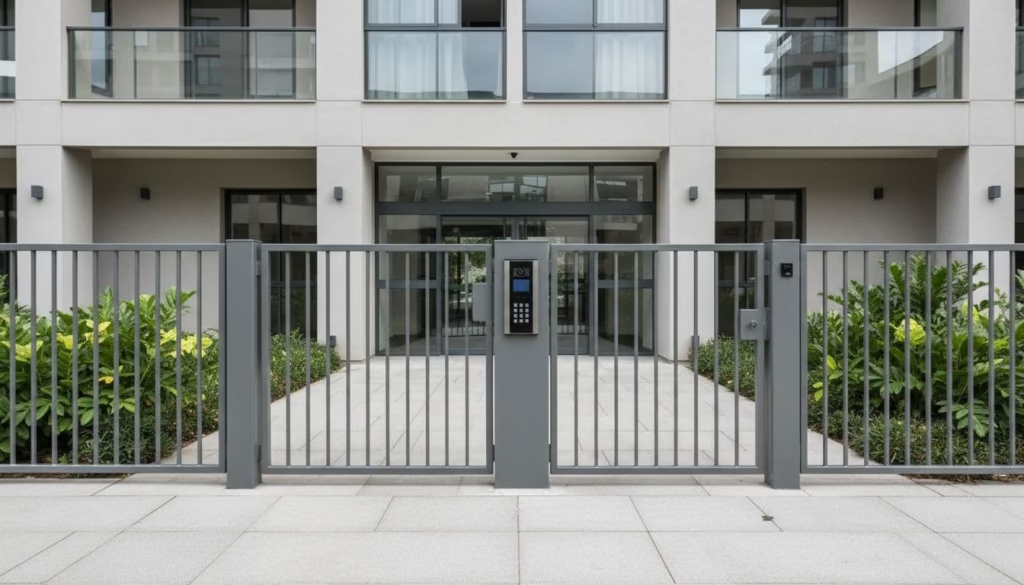
Smart access control manages movement through shared spaces — building entries, perimeter gates, garages, package rooms, fitness centers, pool gates, elevator banks, staff areas. Where a smart lock answers the question “who can enter this unit,” an access control system answers the question “who can move through this property, and where.”
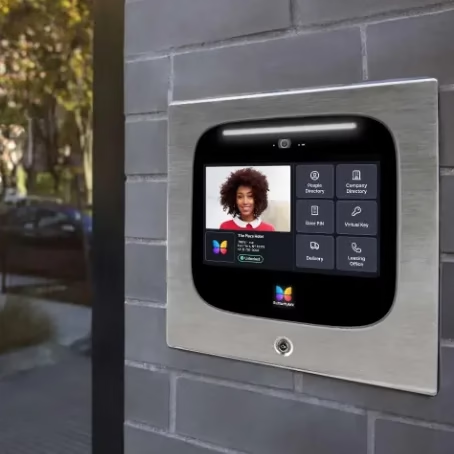
The hardware in this category looks different: readers, intercoms, controllers, wiring, gate operators, and door hardware installed at each controlled opening. The software layer manages credentials for residents, guests, delivery drivers, and staff — and it integrates with visitor management, package access, and amenity scheduling in ways that unit lock platforms typically don’t.
Vendors operating in this space for multifamily include ButterflyMX, Brivo, Salto KS, and Latch. Each has a different hardware philosophy, integration depth, and pricing structure — but all are solving the same category of problem: controlling shared access across the property.
Where the Overlap Creates Confusion
Some vendors have built platforms that span both categories — unit-level lock management and building-level access control under one software interface. Latch is the clearest example: their platform historically addressed both layers, positioning itself as a unified building OS.
This convergence is real, and it’s the direction the market is moving. But convergence at the software layer doesn’t mean the hardware, installation scope, or cost structure has merged. Even on a unified platform, you’re still dealing with unit door hardware on one side and building/amenity hardware on the other — different devices, different installation requirements, different replacement cycles.
| One brand, one app, and one demo does not mean one scope and one quote. Always ask your vendor to break the proposal out by layer. |
Why the Smart Locks vs. Smart Access Control Distinction Matters Before You Compare Proposals
The terminology confusion has real consequences. Here’s where it shows up most often in a buying process.
Budget Surprises Happen When Scope Isn’t Separated
Building entry hardware and unit lock hardware don’t cost the same, and they don’t install the same way. A front door or perimeter gate involves power runs, wiring, a reader, an intercom, and door hardware — typically a handful of openings across a property. A unit lock rollout involves hardware on every apartment door, plus installation labor at scale.
Retrofits add complexity. Older doors may need fresh prep work. Fire-rated openings have specific hardware requirements that affect both cost and timeline. A quote that looks manageable at first glance can look very different once unit locks across 120 or 150 doors get added to scope.
Operators who understand the two-layer structure separate common-area scope from unit scope from the beginning — and evaluate each layer on its own merits before looking at integrated packages.
Software, Integrations, and the Resident Experience Can Split in Two
Hardware isn’t the only place the seam shows up. Software splits too — and that’s where residents feel it.
If you’re running one vendor for building access and a separate vendor for unit locks, you have two dashboards, two credential flows, and potentially two resident-facing apps. Staff manage move-ins across two systems. Residents use one app to get through the front door and a different app to get into their unit. When a credential fails, no one is sure which system owns the problem.
PMS integration compounds this. One system may sync resident records automatically; the other may rely on manual credential setup. Staff become the bridge. Errors accumulate at move-in and move-out, exactly when your team has the least bandwidth to chase them.
Smart Lock vs. Smart Access Control: Side-by-Side
Before you walk into a vendor demo or review a proposal, this table gives you a clear reference for what you’re evaluating in each category.
| What it controls | Typical hardware | Software layer | Integration point | Cost shape | Who manages it | |
| Smart Lock | Individual apartment unit doors | Locksets, deadbolts, keypads, wireless hub or bridge | Unit access app or lock management platform | PMS, touring tools, work order systems | Per-door cost scales across every unit | Leasing, maintenance, operations |
| Smart Access Control | Building entries, gates, garages, amenity spaces | Readers, intercoms, controllers, gate hardware, elevator controls | Building access and visitor management platform | PMS, intercom, visitor management, amenity scheduling | Higher per-entry cost; fewer total openings | Site ops, regional ops, IT, maintenance |
The core distinction: a smart lock protects and manages one unit door. Smart access control manages movement across the entire property. The two categories can be integrated, unified under one platform, or run separately — but they are never the same purchase.
How Most Properties Actually Set This Up: The Three-Model Spectrum
Most operators don’t choose between a perfect unified system and complete chaos. They land somewhere on a spectrum based on budget, vendor availability, and what their PMS can support.
Model 1: Separate Vendors
One vendor handles building access. A different vendor handles unit locks. This is the most common setup at smaller properties today — partly because it allows best-of-breed selection, and partly because it’s often how the buying process unfolds organically. A property installs a ButterflyMX intercom, then later decides to add Yale smart locks, and the two systems never talk to each other.
The advantage is flexibility and often lower initial cost. The disadvantage is everything that comes after: two dashboards, split support paths, duplicate credential workflows, and a resident experience that feels like two different products.
Model 2: Primary Platform with an Integration Partner
One platform leads — typically the building access system — and the unit lock layer connects through an integration. This is a common mid-market setup, and it can work well when the integration is deep and well-maintained.
The key question with any integration is what happens when it breaks. Who owns the support ticket? Where do failed syncs get resolved? What does the resident experience look like when the two systems fall out of sync on a move-out day? Get specific answers before you rely on an integration as the foundation of your access strategy.
Model 3: Unified Platform
One vendor manages both building access and unit locks under a single software interface. One dashboard. One resident app. One support relationship. For lean, self-managed properties, this model often delivers the cleanest daily experience — staff training is simpler, support has fewer handoffs, and the resident experience is consistent.
The trade-off is optionality. Unified platforms tend to cost more, support a narrower hardware selection, and tie your technology roadmap to one vendor’s decisions. That’s a reasonable trade for operators who value simplicity over flexibility — but it’s a trade worth making consciously, not by default.
Questions That Quickly Expose Whether You’re Looking at One System or Two
Ask these before legal review and before final pricing. The answers reveal scope gaps, integration seams, and support model risks that vendor presentations often gloss over.
| Questions to Ask Every Vendor on Smart Locks and Access Control |
| Does your platform manage unit locks, building entry, or both — and is that managed in one dashboard or two? |
| What unit lock hardware do you support, and what’s the per-door cost at my scale? |
| Walk me through how move-in and move-out credentials work across both the building entry layer and the unit door layer. |
| Who installs the building access hardware, and who installs the unit locks — is that the same team? |
| Who owns support after go-live if a problem spans both layers? |
| If the PMS sync fails for one layer but not the other, how does my team find out, and who fixes it? |
| If I need to switch vendors on one layer in three years, what happens to the other layer? |
What Most Properties Under 200 Units Should Actually Do
For most independent operators, the right sequence is to get building-level access control right first — then add unit smart locks when the operational case justifies the investment.
Here’s the logic: perimeter and amenity access affects every resident, every day. A functioning front door, a controlled gate, and a clean amenity access process shows up in resident satisfaction and online reviews in ways that unit lock status doesn’t — at least not until you’re offering self-guided tours or marketing keyless entry as a differentiator.
Building access also involves fewer openings. A property with 120 units might have four or five building access points and a handful of amenity doors. That’s a manageable project with a predictable scope. Unit locks across 120 doors is a different project entirely — more hardware, more installation labor, more credential management, and more ongoing support surface.
Unit smart locks make sense in phase two when the operational case is clear: self-guided tours are part of your leasing strategy, maintenance access needs to be trackable, or a renovation cycle gives you a natural opportunity to install hardware. New construction is also the right moment — it’s far easier to deploy unit locks when doors are already being hung than to retrofit an occupied building.
| Don’t force both layers into one project. Sequence the investment. Fix the perimeter first. Add unit locks when the business case is specific. |
Getting the Terminology Right Before You Start Shopping
The operator in the opening scenario didn’t have a bad vendor. They had a scope problem — and the scope problem came from walking into a demo without a clear mental model of what smart locks and smart access control each cover.
Once you have that model, vendor conversations change. You know which questions to ask upfront. You know how to read a proposal that mixes both layers. You know whether you’re evaluating one purchase or two. And you know which layer to prioritize when budget forces a sequence.
That clarity is what separates operators who get surprised by access control costs from operators who don’t. The technology isn’t complicated. The terminology just needs to be handled before the demo starts.
| Read the Full Series |
| Post 1: Access Control for Apartment Buildings Under 200 Units — The evaluation criteria, vendor landscape, and questions to ask before you sign. [techscribe.org/access-control-buyers-guide-apartment-properties] |
| Post 2: Smart Locks vs. Smart Access Control — You’re reading it. |
| Post 3: Package Management Is a Resident Retention Issue — Here’s the Tech Landscape. The full entry experience doesn’t end at the building door. Post 3 covers the package management technology options available to smaller operators, and why getting this right is a renewal lever, not just a logistics problem. [Coming soon — techscribe.org] |
For more multifamily technology guidance written for independent operators, visit techscribe.org.
Let's talk multifamily tech.
I consult independently with apartment operators on managed Wi-Fi, smart building infrastructure, and technology strategy. If you're evaluating vendors, planning a deployment, or just need a second opinion — I'm happy to have a conversation.
Get in touch →No pitch. No obligation. Just a straight conversation.