Practical guidance for independent and mid-size operators who need real security — not vendor promises.

Source: ASU Energy Efficiency Center
A modern apartment community runs on software the way a building runs on electricity. When something goes wrong, leasing stalls, payments get messy, and residents feel it fast.
That’s why multifamily cybersecurity can’t live only in IT tickets and vendor promises. It has to show up in how you set up logins, how you separate networks, how you train teams, and how you recover when a bad day hits.
In 2026, the biggest risks aren’t exotic. They’re familiar problems scaled across many properties: ransomware that stops operations, phishing and deepfake phone calls that push fake wire requests, and Internet of Things (IoT) devices that were installed to help, but can also become an entry point.
Start with a Real Map of Your Multifamily Tech Stack (and Data)
Source: ASU Energy Efficiency Center
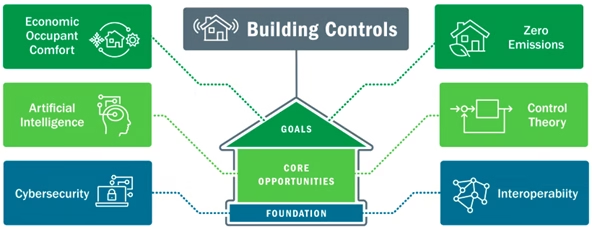
Most operators don’t have “one system.” They have a chain of systems: property management software (PMS), customer relationship management (CRM), resident portals, payment processors, maintenance apps, access control, cameras, smart home devices, building automation, and managed Wi-Fi.
Attackers like chains because they look for the weakest link. A site-level user with too much access, a vendor admin account without multi-factor authentication (MFA), or a smart device on the same network as staff laptops can turn one mistake into a portfolio problem. Industry guidance also keeps evolving, so it helps to review multifamily-specific considerations like the NMHC and NAA cybersecurity risks white paper.
Use the table below as a quick “what are we protecting” reference. It’s not meant to be perfect. It’s meant to be used.
| System Category | Typical Data | Top Threats | Recommended Controls |
| PMS/CRM, leasing, maintenance | Applicant PII, resident records, work orders, employee data | Phishing-led account takeover, ransomware, vendor compromise | SSO + MFA, RBAC, admin audit logs, SaaS backup plan |
| Payments, bank portals, billing | Payment tokens, bank details, refunds, owner disbursements | Business email compromise, deepfake “exec” calls, payment reroutes | Phishing-resistant MFA, dual approvals, payee change verification, device compliance checks |
| Resident portal, messaging | Contact info, lease docs, support tickets | Credential stuffing, weak passwords, social engineering | MFA option for residents, rate limits, bot protection, strong password policy |
| Access control, smart locks, intercom | Door events, user lists, mobile keys, unit access | IoT compromise, stolen installer creds, remote unlock abuse | Network segmentation, least privilege roles, MFA for admins, log retention, vendor patch process |
| Cameras, NVR/VMS | Video footage, building layouts, timestamps | Exposed ports, default passwords, remote viewing abuse | No open internet ports, unique creds, segmented VLAN, firmware updates, encrypted remote access |
| Building automation (HVAC, boilers, elevators) | Sensor data, schedules, control commands | Lateral movement from IoT, unpatched controllers | OT/IoT isolation, allowlist traffic, forced updates, vendor access via VPN |
| Wi-Fi, switching, firewalls | Network identity, device traffic, logs | Misconfigurations, shared passwords, rogue devices | WPA3, separate SSIDs, IoT VLANs, centralized config, alerting on changes |
Identity-First Controls: MFA, SSO, and Least Privilege That Survive Turnover
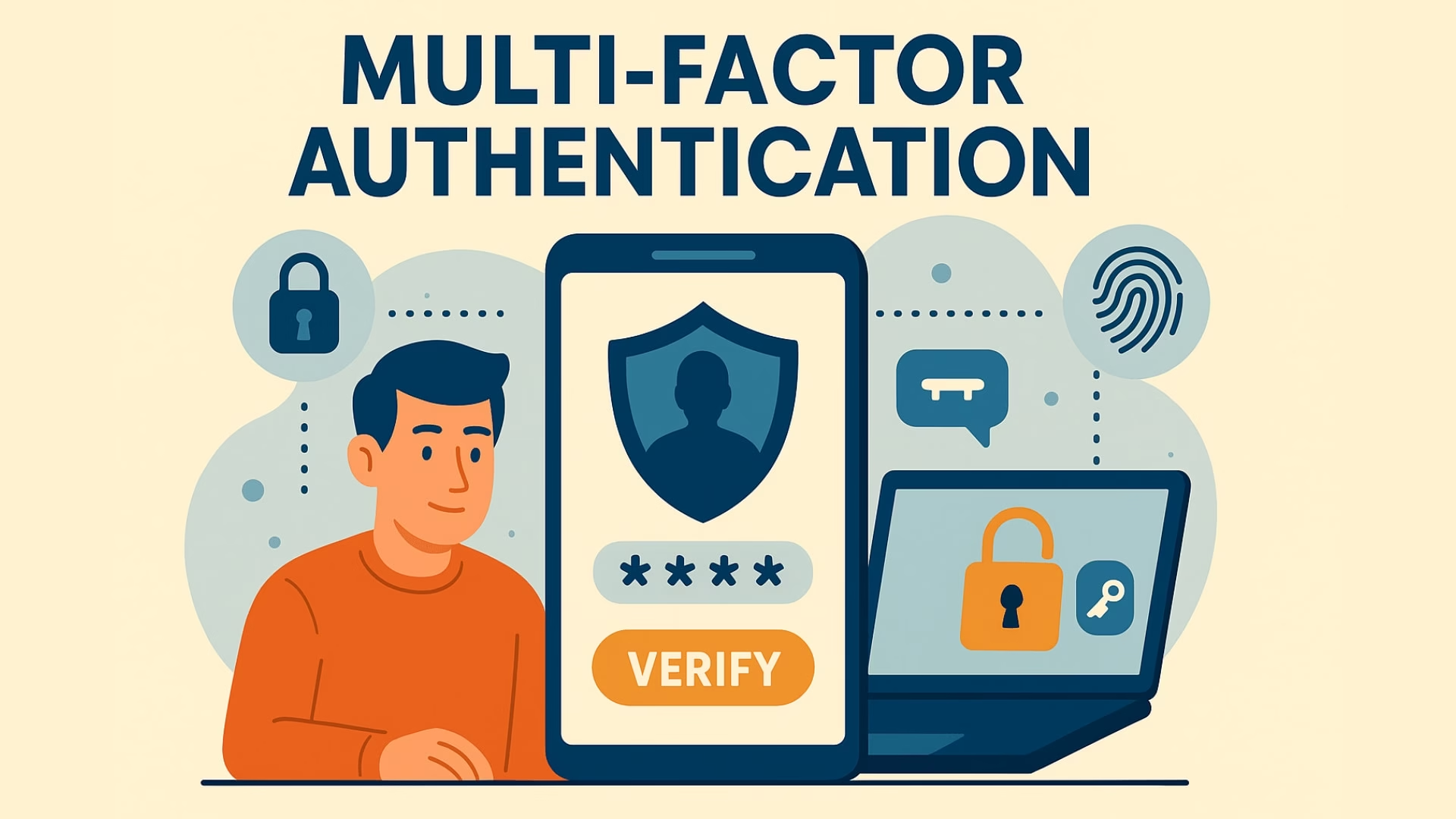
If you only improve one thing this quarter, improve logins.
SSO (single sign-on) ties your apps to one identity provider (IdP) so you can disable access in one place when someone leaves. MFA (multi-factor authentication) blocks most password theft attacks by requiring a second factor. For high-risk roles (regional managers, IT admins, vendor admins), use phishing-resistant MFA when the vendor supports it — authenticator app prompts, hardware security keys, or passkeys. Avoid SMS MFA for admins when you can.
Then lock down who can do what. RBAC (role-based access control) is the simple idea that leasing shouldn’t have accounting powers, and maintenance shouldn’t be able to add new admin users. In multifamily operations, RBAC also has to account for temps, weekend staff, and vendor technicians.
| PRACTICAL APPROACH FOR HIGH-TURNOVER PORTFOLIOS Make no shared accounts a hard rule — including “leasing@community” logins. Use “just enough access” roles and time-box admin access when possible. Review privileged access monthly and after any staff change. For vendors, require named accounts, MFA, and a clear offboarding step. |
This is also where central IT meets site reality. Central teams should own identity standards (SSO, MFA, password rules, access reviews). Site teams should own speed and accuracy — prompt termination requests, reporting suspicious calls, and following verification steps for money movement. Put it in writing, keep it short, and train it like a leasing process.
Device, Patch, and Network Basics (Especially for IoT and Wi-Fi)
Patches aren’t glamorous, but unpatched systems get hit fast in 2026. Treat patching like preventive maintenance.
For staff devices, use endpoint and mobile device management (MDM) so you can require screen locks, encrypt drives, and push updates. For shared computers at clubhouses or kiosks, don’t let them become “nobody’s device.” Assign an owner, or replace them with locked-down hardware.
For IoT, the big win is network segmentation. Put smart locks, cameras, intercoms, and building controls on their own network segments (often VLANs) with tight rules about what they can talk to. If a camera gets compromised, it shouldn’t be able to reach the PMS.
Secure Wi-Fi practices matter because Wi-Fi is the hallway of your tech stack:
- Use WPA3 where supported, and disable WPS (Wi-Fi Protected Setup).
- Separate SSIDs for corporate, IoT, and resident/guest networks.
- Block device-to-device traffic on resident networks when possible.
- Restrict management access to network gear, and log configuration changes.
| VENDOR CAPABILITY NOTE Some building systems still can’t do SSO or modern MFA. When that happens, compensate with tight network access (VPN-only admin portals, IP allowlists), unique admin credentials, and strong logging. |
Logging, Backups, and Incident Response That Fit Multifamily Operations
Security logs are like camera footage for your systems. You don’t need to watch everything live, but you need the ability to rewind.
Start with basics: centralize logs for identity events (logins, MFA changes), admin actions (role changes, new users), and high-impact operations (bank account updates, mass door unlocks, access schedule edits). A SIEM (Security Information and Event Management) tool can store and correlate these logs, but many operators begin with vendor logs plus a managed alerting service. What matters is that someone is responsible for reviewing alerts and escalating.
Backups are your escape hatch. For multifamily tech stacks, the tricky part is SaaS. “It’s in the cloud” doesn’t always mean “we can restore it quickly.” Ask each vendor what they can restore, how far back, and how fast. Keep separate backups where possible, and consider immutable storage (backups that can’t be altered) for critical systems and files.
For breach planning and notification expectations, keep a bookmark to resources like the NMHC data security and breach notification guidance, then align your playbook with legal and insurance requirements.
Mini-Runbook: Ransomware Response (First 60 Minutes)
- Confirm and contain: Isolate affected devices or networks, disable compromised accounts, pause any suspected remote access paths.
- Preserve evidence: Keep logs, don’t wipe systems yet, capture screenshots and ransom notes.
- Activate the call tree: IT lead, executive sponsor, legal, cyber insurance, key vendors.
- Stop the spread: Reset privileged credentials, revoke active sessions, block known bad traffic.
- Restore safely: Bring back priority services from clean backups, validate before reconnecting.
Mini-Runbook: Access Control or IoT Compromise
- Move to safe operations: Switch to mechanical keys or staffed entry if needed, communicate calmly with onsite teams.
- Segment and isolate: Cut off the IoT network segment from corporate systems, disable remote admin access temporarily.
- Lock down identities: Rotate admin passwords, enforce MFA, remove unknown users and mobile keys.
- Verify device integrity: Check firmware versions, reinstall configs from known-good templates, coordinate with the vendor.
- Watch for repeat attempts: Review door event logs and admin changes for at least two weeks.
People still matter most here. Run short phishing training for leasing and accounting, include deepfake payment scams, and practice “verify by a second channel” for any urgent money or access request.
| A Safer Stack Is a More Reliable Portfolio The goal of multifamily cybersecurity isn’t to turn property teams into security experts. It’s to make daily operations harder to hijack and easier to restore. Pick a few controls that raise the floor fast: SSO plus MFA, least privilege roles, segmented IoT networks, tested backups, and a runbook everyone can follow. Then hold vendors to the same standard. When your tech stack is built like a well-keyed building, one lost key doesn’t open every door. |
Let's talk multifamily tech.
I consult independently with apartment operators on managed Wi-Fi, smart building infrastructure, and technology strategy. If you're evaluating vendors, planning a deployment, or just need a second opinion — I'm happy to have a conversation.
Get in touch →No pitch. No obligation. Just a straight conversation.